Cricut's World
Cricut
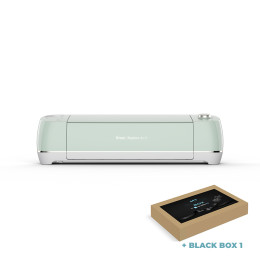
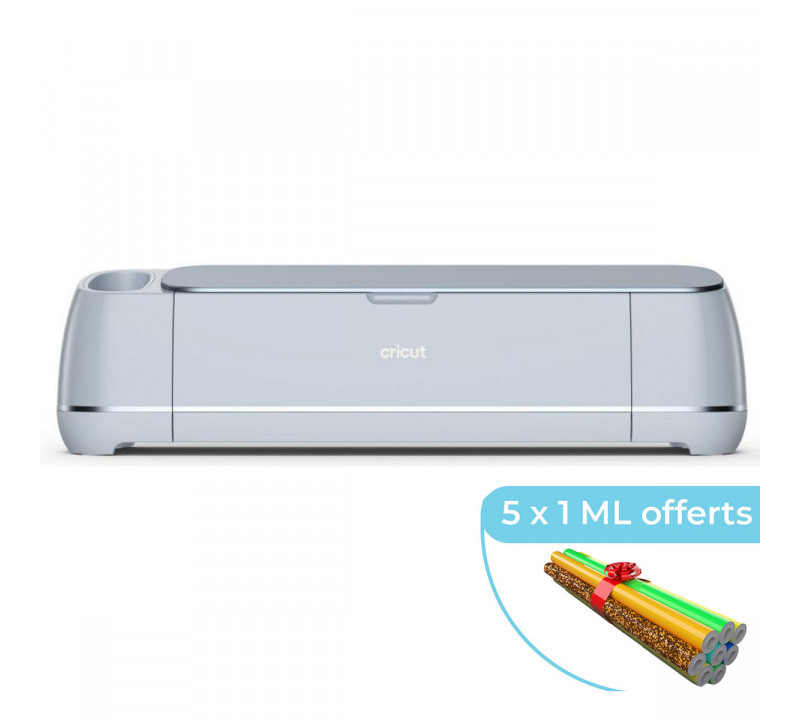
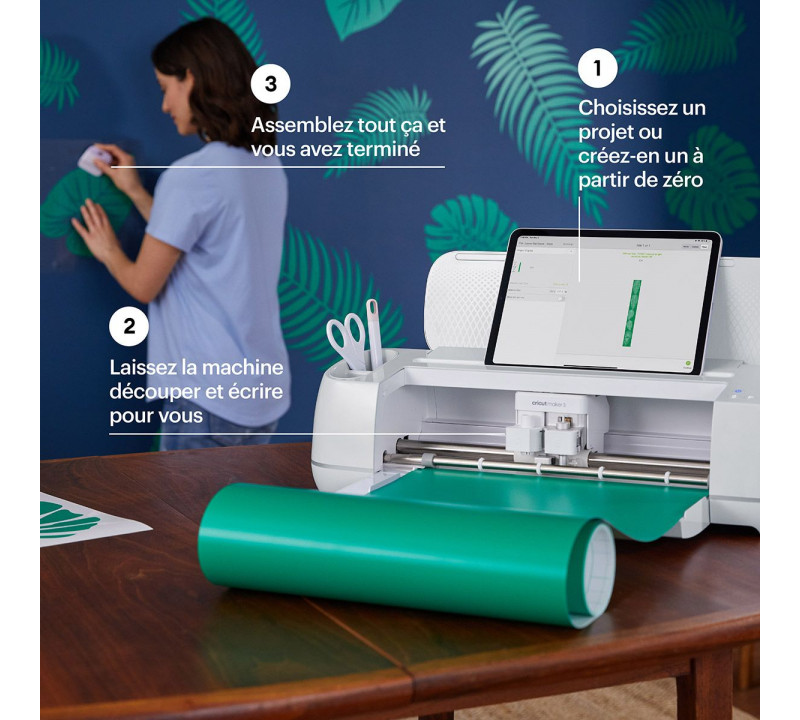
Cricut Maker 3
€479.99
Discover our selection of Cricut cutting plotters, specially designed to bring all your creative ideas to life—from simple stickers to the most advanced projects. Enjoy exceptional cutting precision, compatibility with a wide range of materials, and intuitive operation to create your designs quickly, reliably, and with a flawless finish.
The “best” Cricut cutting plotter mainly depends on your usage, your budget, and the materials you want to work with.
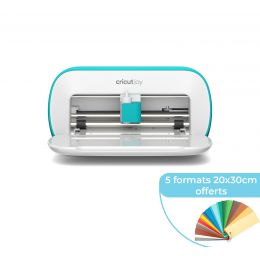
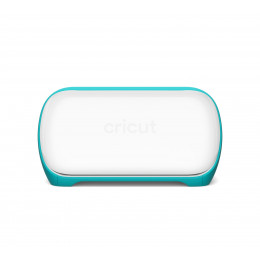
Cricut Joy: ideal for small, quick projects such as stickers, labels, scrapbooking, and simple creations.
Cricut Joy Xtra: perfect for medium-sized projects, large-format stickers, and long Smart Materials.
Cricut Explore 3: an excellent balance of power and versatility for regular creative users.
Cricut Maker 3: the most advanced machine, compatible with over 300 materials, capable of cutting fabric, leather, thin wood, and more.
The right approach is to choose a plotter based on your production volume, material complexity, and project size. Every model shares the Cricut DNA: precision, speed, Design Space compatibility, and ease of use.
| Model | Cutting Width / Mat | Compatible Materials | Recommended Use | Key Features |
|---|---|---|---|---|
| Cricut Joy | Very compact | Vinyl, HTV, cards | Beginners, small projects, stickers | Ultra-portable, easy to use |
| Cricut Joy Xtra | Wider than Joy | Vinyl, HTV, paper, Smart Materials | Intermediate creators, décor, stickers, large formats | Wider cutting, more options |
| Cricut Explore 3 | Large mat / Smart Materials | Vinyl, paper, cardstock, light fabric | Regular creators, varied projects | Bluetooth, faster cutting |
| Cricut Maker 3 | Very large mat | 300+ materials (fabric, leather, thin wood…) | Advanced creators, professionals | Multi-tool system, extreme versatility |
Maker is the only model compatible with engraving tips, embossing tools, knife blade, rotary blade, and more.
Each range offers excellent quality, with capabilities increasing alongside price.
All Cricut machines share core features:
Maker 3 adds advanced capabilities: engraving, embossing, balsa wood cutting, thick fabrics, and more.
| Material | Compatible Cricut Machines | Notes |
|---|---|---|
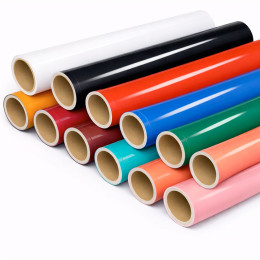
| Adhesive vinyl | Joy, Joy Xtra, Explore, Maker | Easy cutting |
| HTV | Joy, Joy Xtra, Explore, Maker | Apparel & textiles |
| Paper / Cardstock | Joy, Joy Xtra, Explore, Maker | Scrapbooking |
| Light fabric | Explore, Maker | Sewing & décor |
| Thin leather | Maker | Requires specific blade |
| Thin wood / balsa | Maker | Rigid materials |
| Smart Materials | Explore 3, Maker 3 | Matless cutting |
| Criteria | Cricut (Joy / Explore / Maker) | Silhouette Cameo (3 / 4 / 5) |
|---|---|---|
| Ease of use | Very intuitive | More technical |
| Software | Beginner-friendly | More advanced |
| Material compatibility | Up to 300+ materials | Slightly more limited |
| Matless cutting | Yes (Smart Materials) | More limited |
| Precision | Very high | Excellent on fine paper |
| Tool versatility | Very wide | More limited |
| Noise level | Very quiet | Louder |
| Best for | Beginners to pros | Advanced users |
100% secure
payment
Fast delivery
from 24 to 72H*
*Depending on the carrier
Free shipping on
orders over €150*
*Metropolitan France
Customer service at
+33 6 47 80 92 20
Certifications
Oeko-Tex and EVE Vegan