Cricut's World
Transfer-ID
Transign
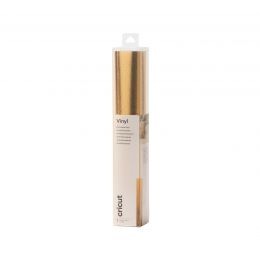
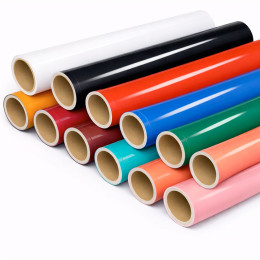
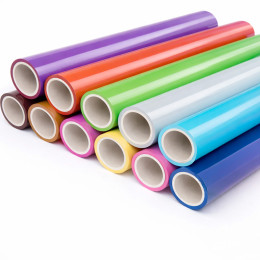
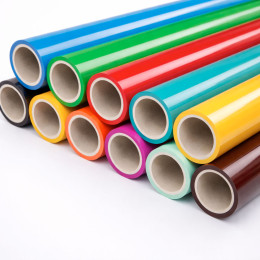
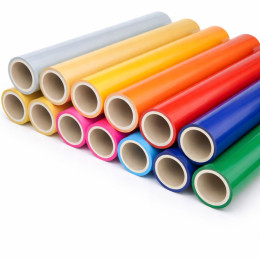
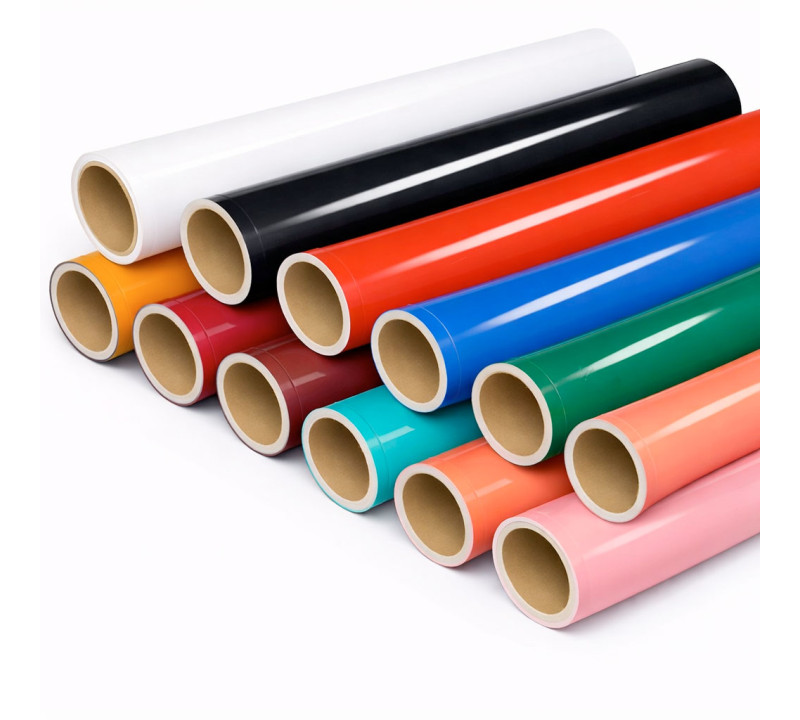
Explore our selection of cutting vinyls, perfect for all your customization projects, signage, adhesive lettering, or DIY creations. Designed for precise cutting with machines like Cricut or Silhouette, our vinyl films offer long-lasting adhesion, excellent finishing quality, and a wide range of colors and effects (matte, glossy, metallic, and more).
Need some help to choose the right vinyl or master your cutting technique? Our guides, tutorials, and comparison tools are here to support you at every step of your project.
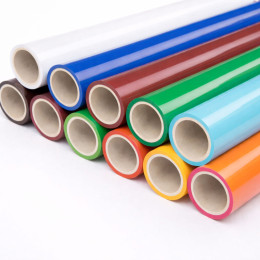
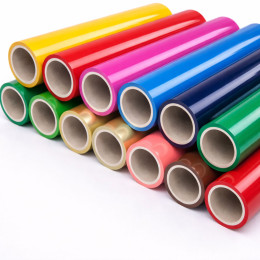
Cutting vinyl is a flexible self-adhesive film designed to be cut using a plotter or an electronic cutting machine (such as Cricut, Silhouette Cameo, or Graphtec), or even manually. It generally consists of three layers:
a liner (backing paper),
an adhesive vinyl layer (PVC or polyurethane material),
and sometimes a transfer film to make application easier.
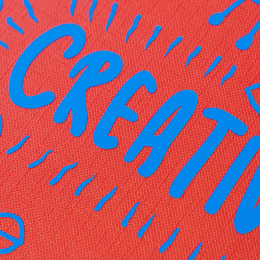
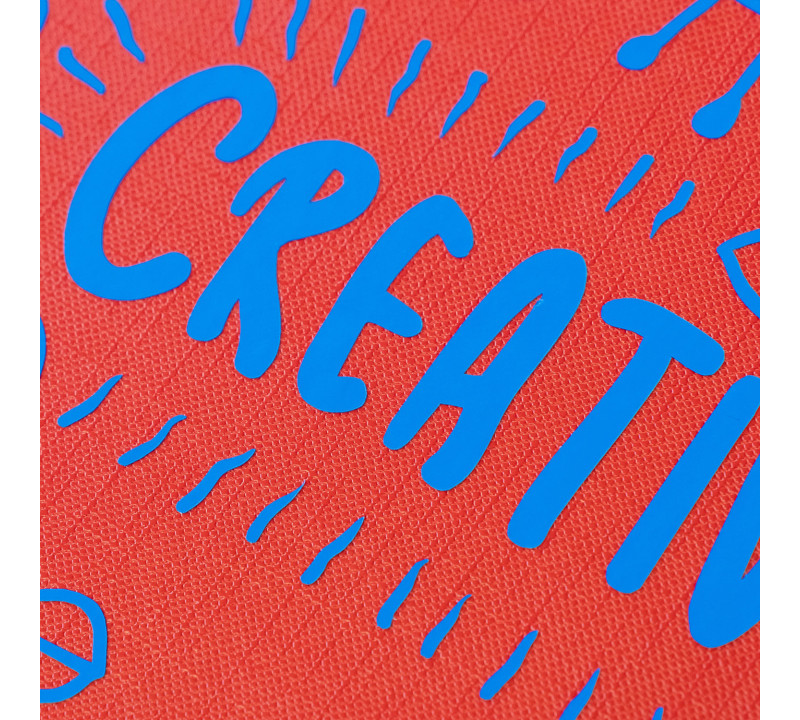
This vinyl is used to create shapes, custom designs, lettering, or adhesive logos that can be applied to many surfaces: walls, shop windows, vehicles, decorative objects, or textiles. Its main advantage: precise cutting and long-lasting durability, even outdoors.
Cutting vinyl is an extremely versatile material, suitable for a wide range of creative, commercial, and decorative projects:
Indoor and outdoor signage: shop signs, windows, panels, directional signs.
Vehicle graphics: car lettering, business logos, mobile advertising.
Object decoration: mugs, boxes, notebooks, furniture, and more.
Custom stickers: for planners, scrapbooking, or DIY projects.
Wall decoration: adhesive quotes, geometric shapes, or nursery wall art.
Tip: for glass surfaces or vehicles, choose a more durable polymeric vinyl.
| Application | Recommended Vinyl Type | Main Benefits |
|---|---|---|
| Window graphics | Glossy polymeric vinyl | UV-resistant, long-lasting |
| Vehicle lettering | High-adhesion cast vinyl | Excellent durability, conforms to curves |
| DIY / object decoration | Monomeric or special-effect vinyl | Easy to cut, wide choice of colors and textures |
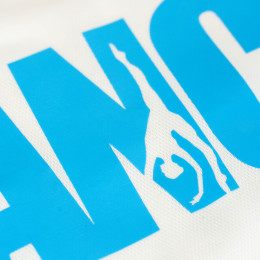
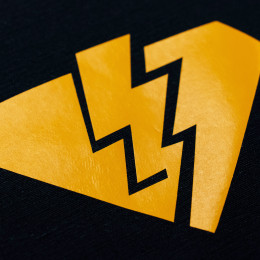
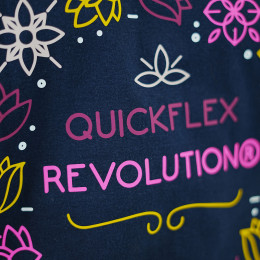
| Textile (heat transfer) | Heat transfer vinyl (HTV) | Compatible with heat press, good elasticity |
| Custom stickers | Matte printable vinyl | Ideal for print & cut projects |
There are several types of vinyl depending on their composition, finish, durability, and intended use:
Monomeric vinyl: affordable and perfect for short-term or indoor use.
Polymeric vinyl: more resistant, ideal for outdoor or long-term applications.
Cast vinyl: high-performance vinyl that perfectly conforms to complex shapes (vehicles, etc.).
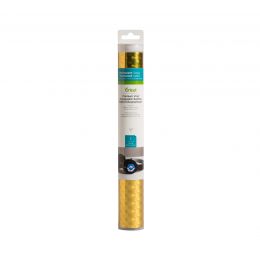
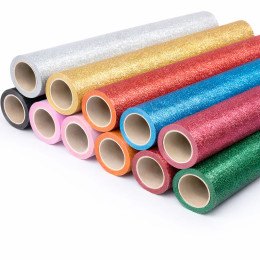
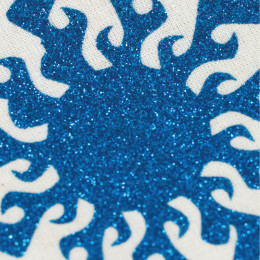
Special effect vinyls: glitter, holographic, fluorescent, textured, chalkboard, and more.
Always check your vinyl’s compatibility with your cutting machine and application environment (outdoor, UV exposure, humidity, etc.).
To achieve perfect vinyl cuts, here’s the essential equipment you’ll need:
Cutting machine: Cricut, Silhouette Cameo, Brother ScanNCut, or professional plotters like Roland or Graphtec.
Blades: adjust according to vinyl thickness, finish, and material type.
Cutting mat: keeps vinyl stable, especially for manual cutting.
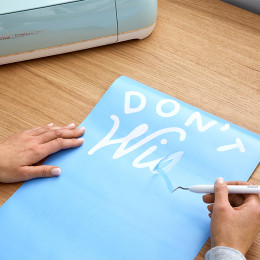
Weeding tools: tweezers or hooks to remove unwanted pieces after cutting.
Transfer tape: allows easy transfer of your design without damage.
Squeegee: ensures firm adhesion to the final surface.
Some vinyls require specific pressure, blade depth, or speed settings — always perform a small test cut first.
Creating custom vinyl lettering or stickers is easy when following the right steps. Here’s a detailed guide:
Use a design software compatible with your cutting machine, such as:
Adobe Illustrator (SVG or DXF format)
Silhouette Studio (for Silhouette Cameo machines)
Cricut Design Space
Inkscape (free and open-source)
For lettering, choose sans-serif fonts and make sure to convert text to outlines before exporting.
Place the vinyl on the cutting mat with the adhesive side down.
Adjust blade depth and cutting pressure according to vinyl type (monomeric, polymeric, glitter, etc.).
Start the cut directly from your software.
Tip: Always perform a test cut to check precision before cutting the entire design.
Weeding means removing the unwanted parts of vinyl, such as inner letter spaces or outer borders.
Use a pointed weeding tool (hook, scalpel, fine tweezers).
Work under good lighting to see fine details.
Take your time with small elements.
Transfer tape (or application tape) helps you keep the full design aligned for easy application.
Apply the tape over the design, smoothing from the center outward with a squeegee.
Ensure all parts stick well to the tape.
Place the vinyl where desired (wall, glass, rigid surface, etc.).
Check alignment (use guides or a level if needed).
Press firmly again, especially on fine lines or edges.
Peel the tape off slowly at a 45° angle, holding the vinyl in place with your fingers if needed.
If a letter lifts, reapply the tape and press again with the squeegee.
Pro tip for large lettering: print a grid guide for perfect alignment, or cut the design into sections for easier placement.
Proper application is key to achieving a professional and long-lasting finish. Follow these steps:
The surface must be clean, smooth, and grease-free (isopropyl alcohol recommended).
Suitable for: glass, plastic, metal, painted wood, PVC, car bodywork, etc.
Avoid porous or rough surfaces.
Do a dry fit first: place the vinyl using painter’s tape or visual markers.
Draw a light pencil guide if needed.
Remove the vinyl backing paper (liner).
Apply the vinyl from the center outward, smoothing with a soft squeegee or card.
Press firmly on all edges, especially thin details or letters.
Avoid air bubbles by smoothing from the center to the edges.
Peel the transfer tape slowly and diagonally (45–60° angle).
If parts lift, reapply and press again.
Wipe with a soft cloth to ensure perfect adhesion.
If small bubbles remain, pop them gently with a needle and press out the air.
Work in sections for large designs (murals, panels, long text).
Gently heat the vinyl with a hair dryer to help it conform to curves (avoid overheating).
Avoid applying in cold or humid conditions, which reduce adhesion.
100% secure
payment
Fast delivery
from 24 to 72H*
*Depending on the carrier
Free shipping on
orders over €150*
*Metropolitan France
Customer service at
+33 6 47 80 92 20
Certifications
Oeko-Tex and EVE Vegan